You don't have to use everything. Pick what you need — most
users start with one and grow.
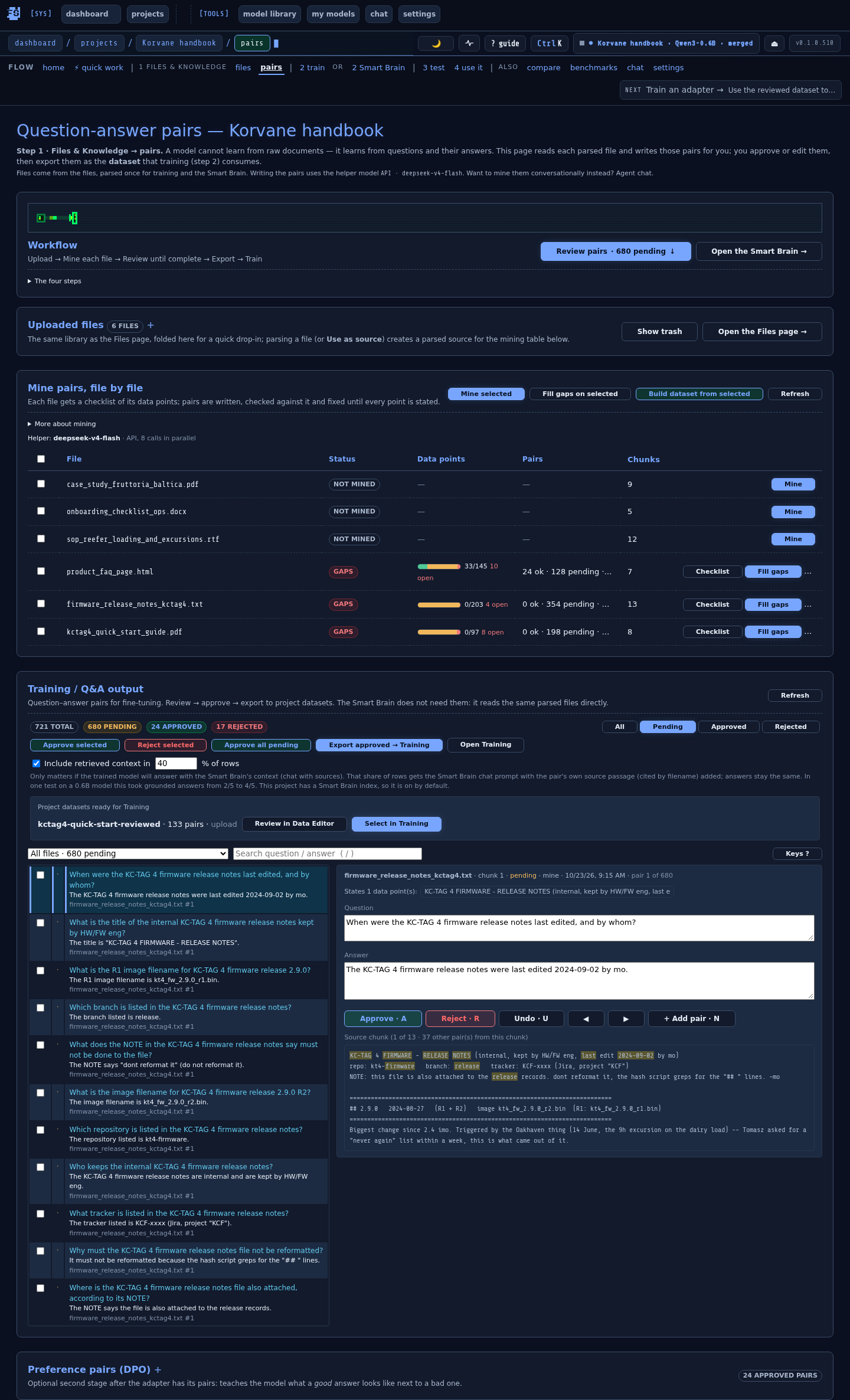
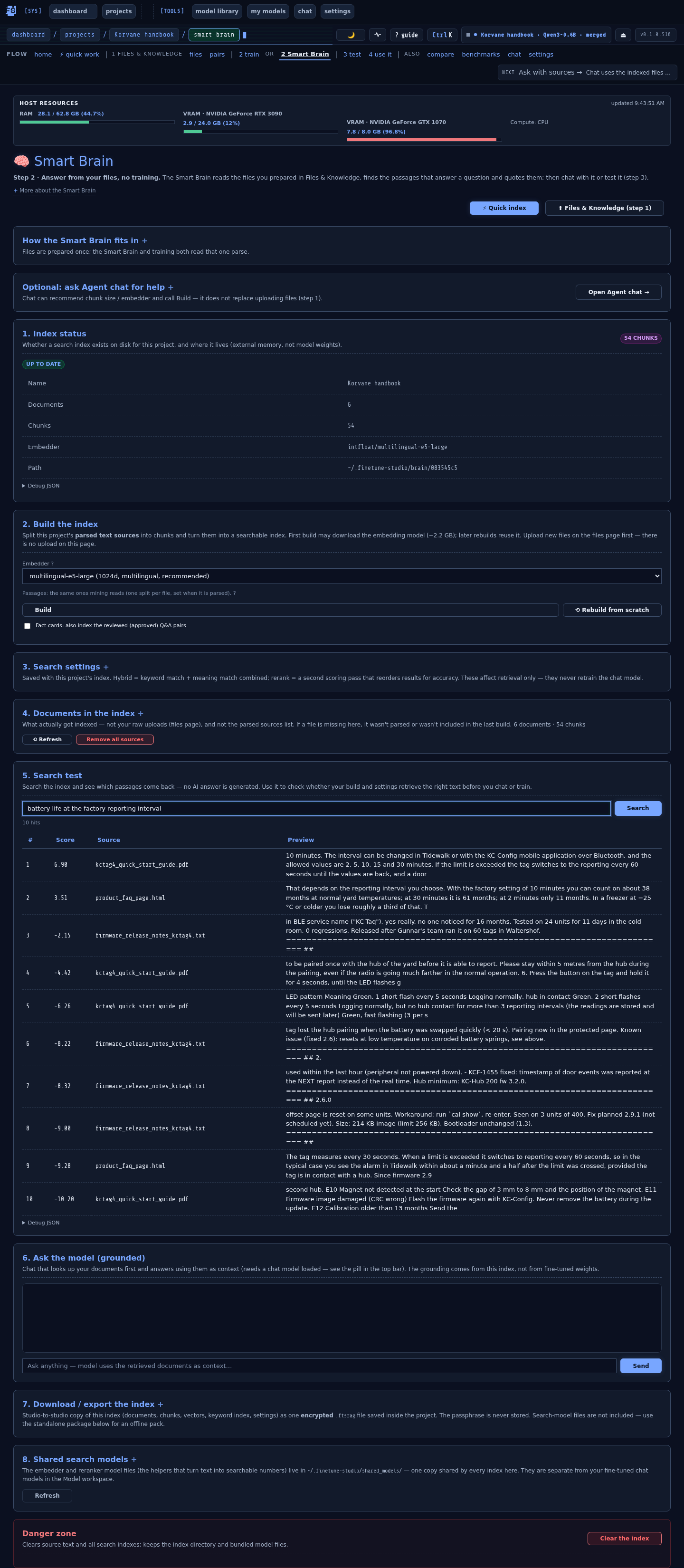
1 · SMART BRAIN OVER PRIVATE DOCUMENTS
"I have a pile of PDFs and want to ask questions about
them in plain English — without uploading anything to the cloud."
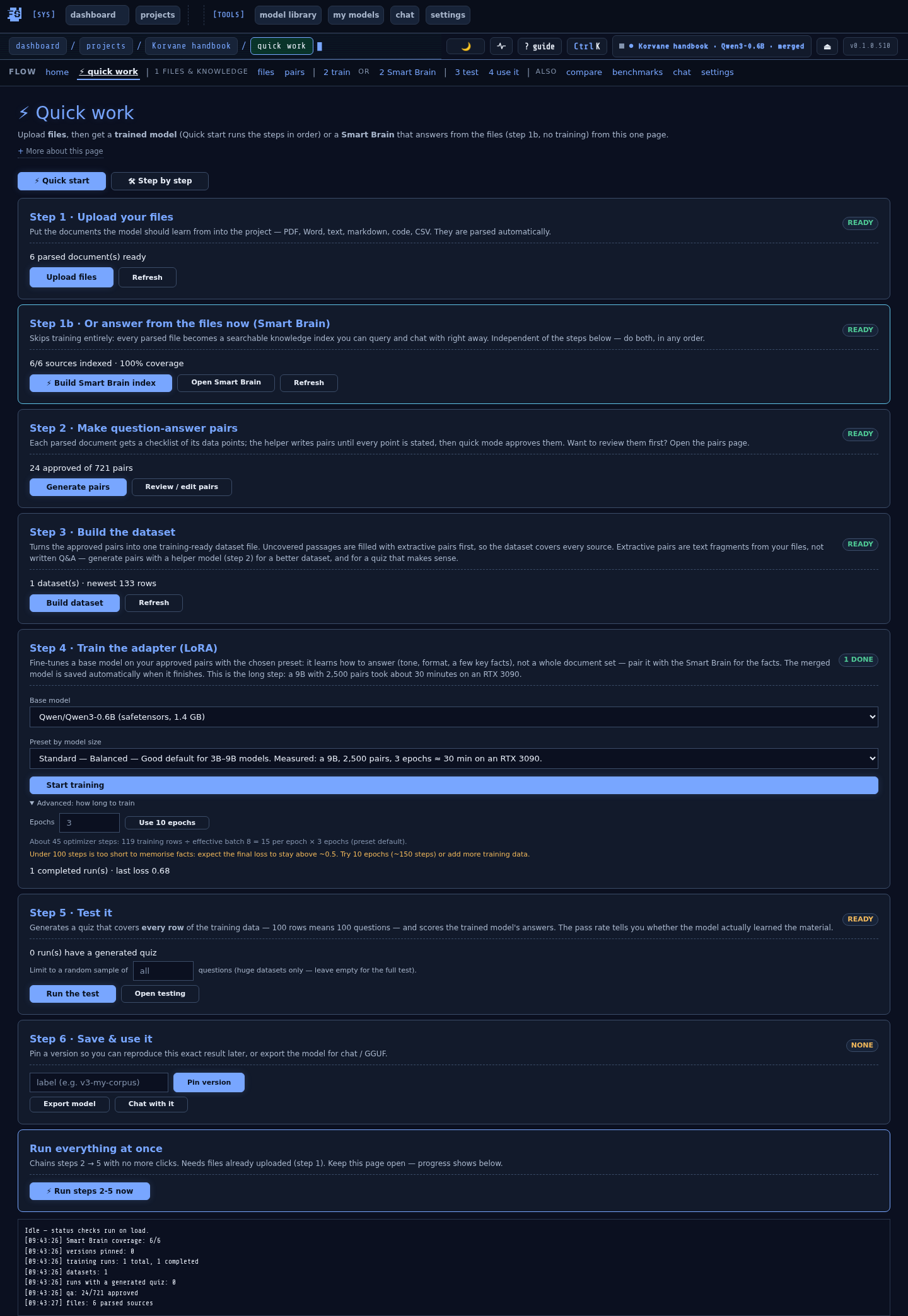
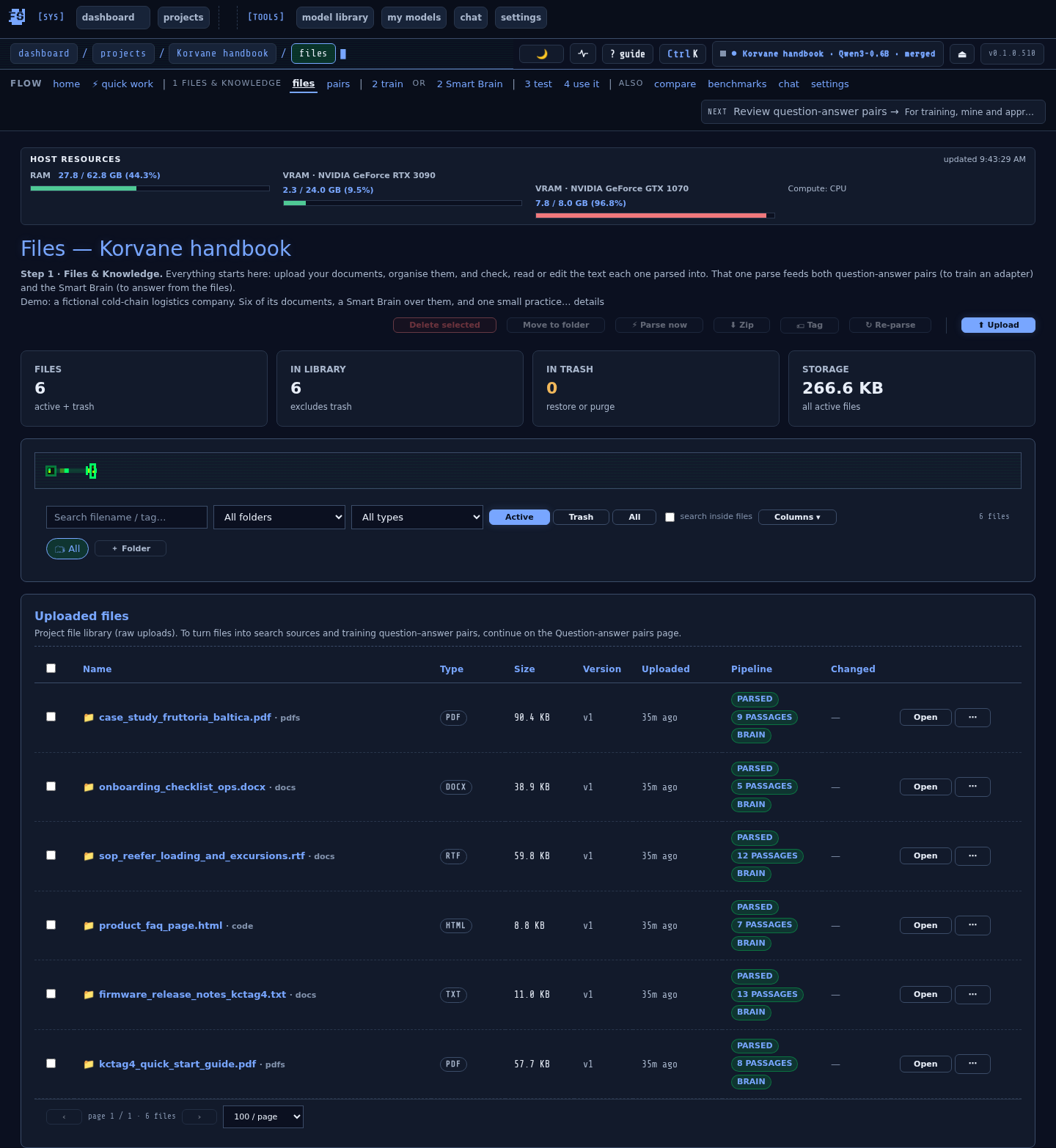
Every file is parsed once in Files & Knowledge (PDF, DOCX, TXT, MD, HTML, code, CSV, JSON,
images via OCR or a Vision reader). The Smart Brain answers from that parse with sources: semantic +
keyword search, rank fusion, reranking, an answer gate — often called RAG. Live build progress via SSE,
an index status that says when files changed, optional fact cards from reviewed pairs. One-click
⚡ Quick index; export it as a standalone MCP + HTTP server.
SMART BRAINHYBRID SEARCH
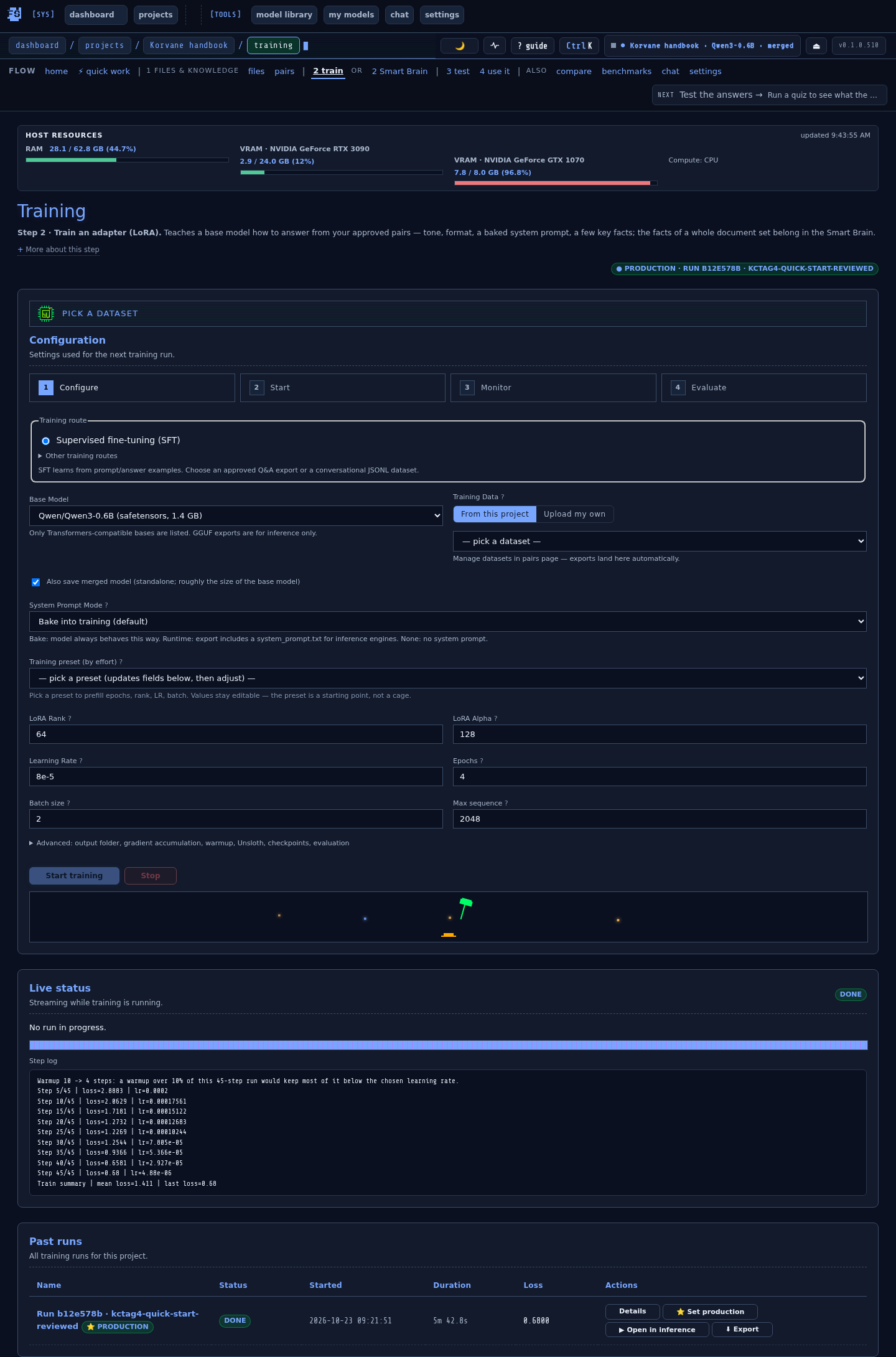
2 · FINE-TUNE A MODEL
"I want to teach a small open model how my company talks."
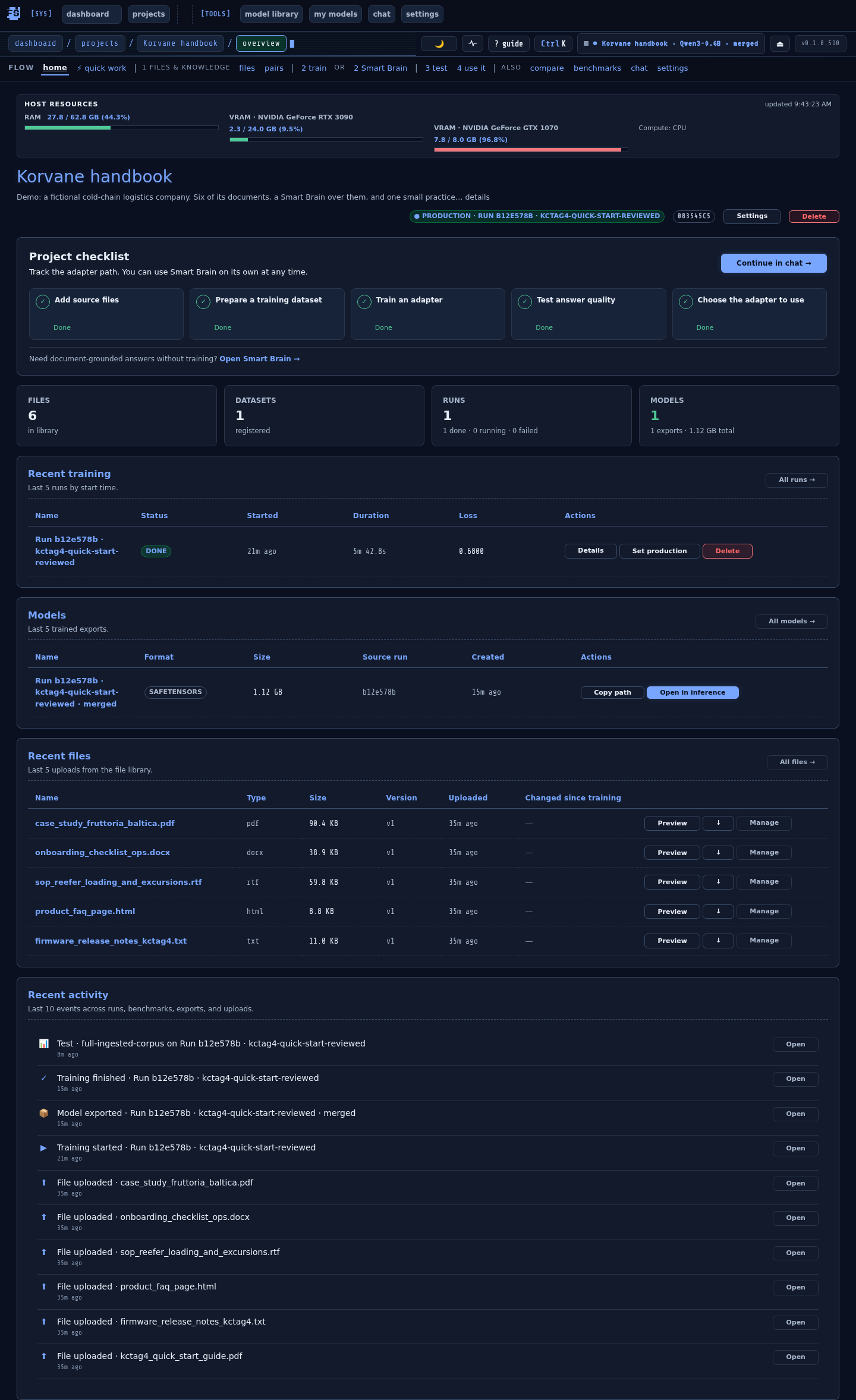
Point at a JSONL or your mined dataset, pick a base model, run
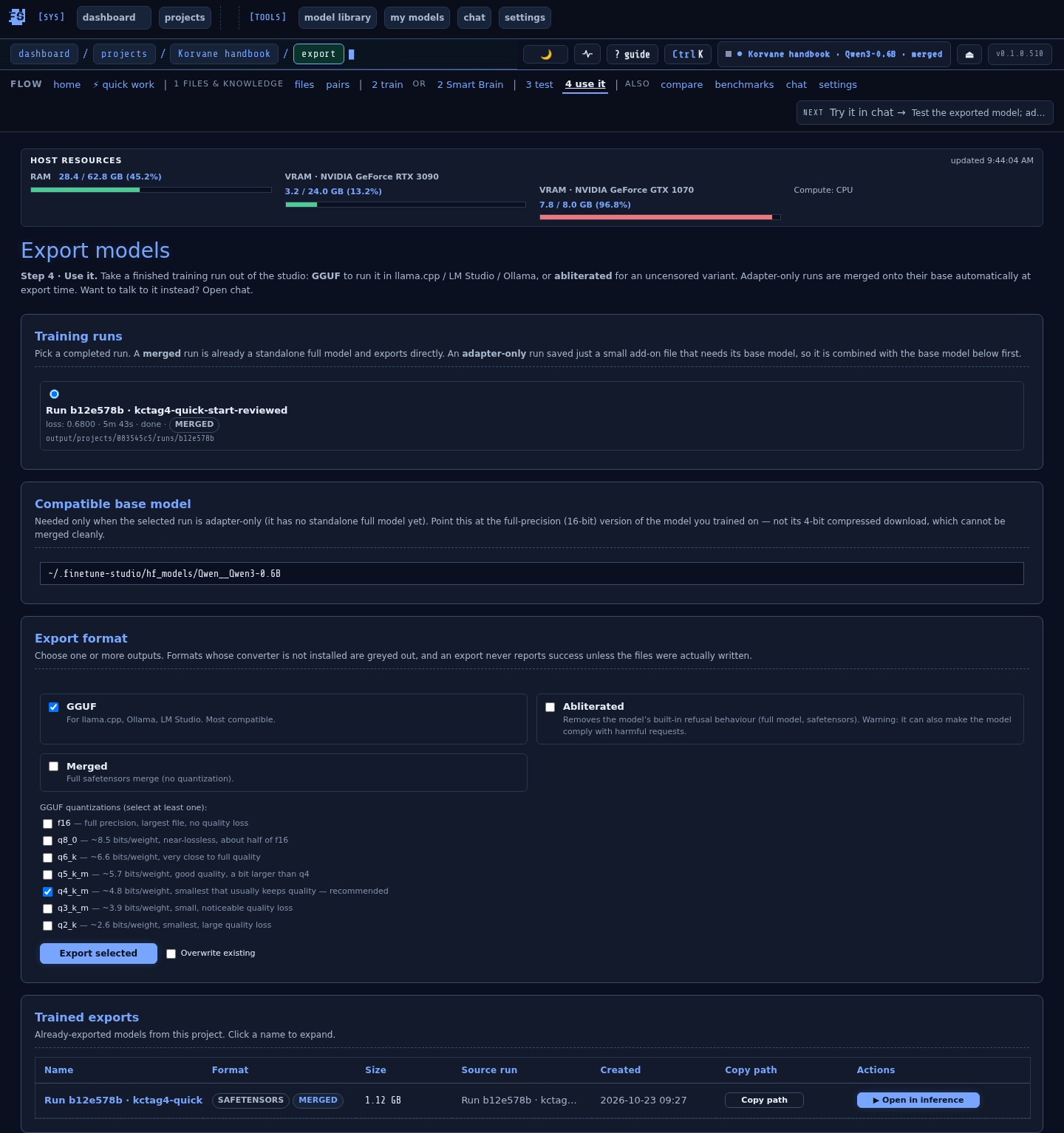
LoRA / QLoRA. Live loss curves, VRAM profiles, adapter merge, then
export (merged / abliterated; GGUF when host tools are
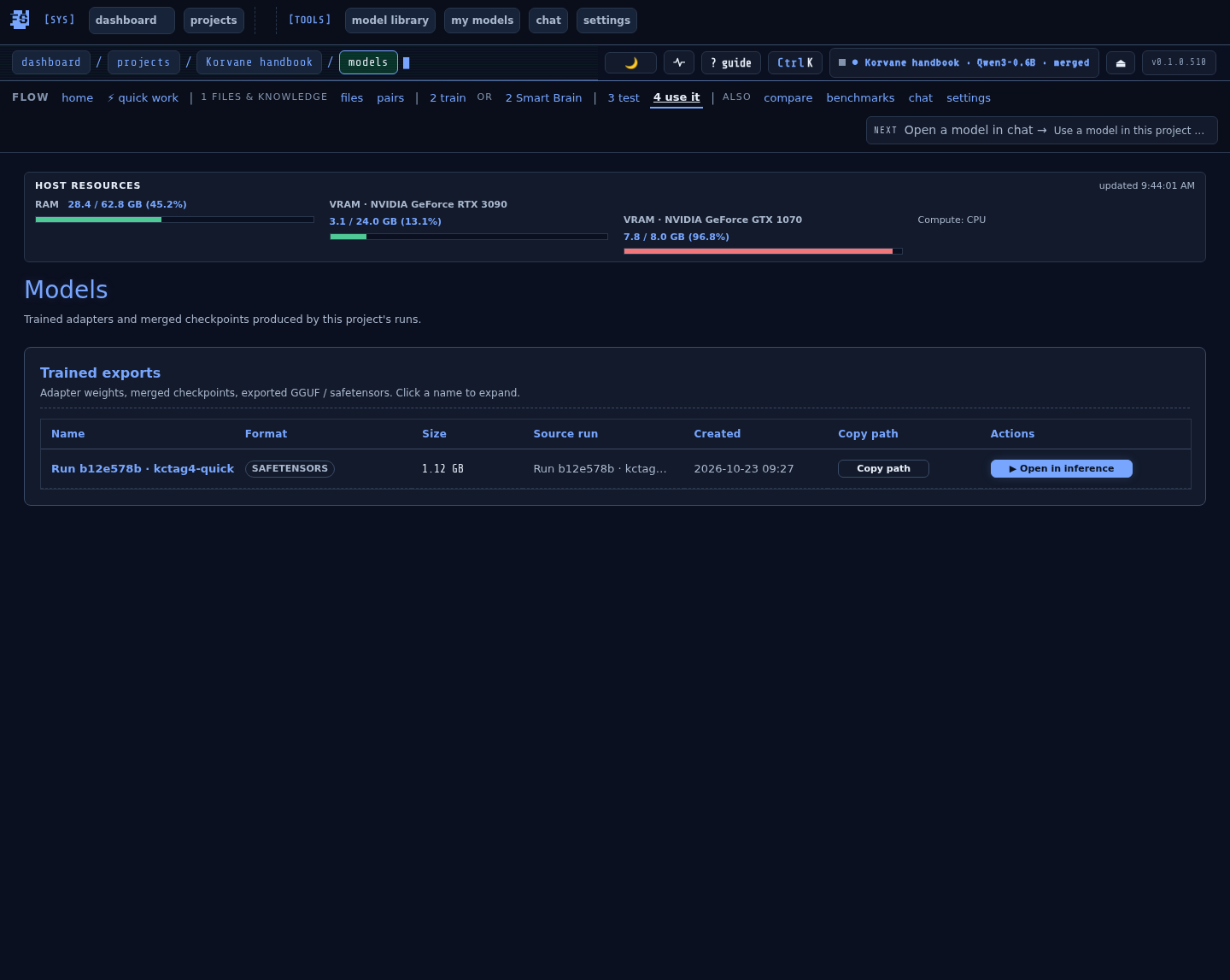
installed). Per past-run Actions (⭐ Set production, ▶ Open in inference, ⬇
Export).
LoRAQLoRAMERGEEXPORT
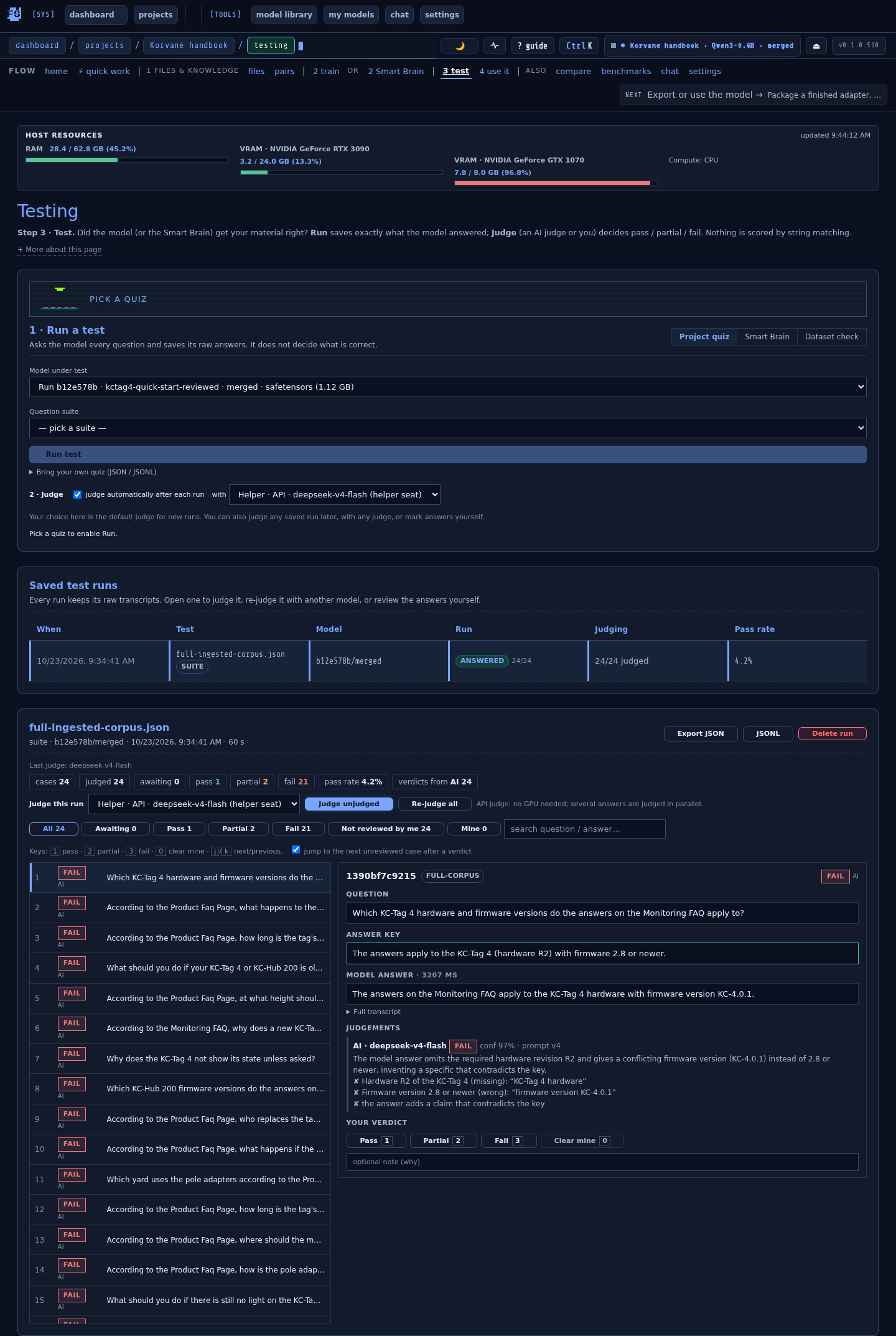
3 · BENCHMARK BEFORE SHIP
"I trained two variants. Which one is actually better?"
Offline smoke suites styled after MMLU / GSM8K / HellaSwag (not the
full HuggingFace dataset downloads), plus project-local suites. Two
tabs: Recent scores and Compare two runs (per-suite Δ =
B − A, colored).
MMLU-styleGSM8K-styleHellaSwag-style
4 · JUST CHAT LOCALLY
"I want to run an open model locally with my own chat
history and image support."
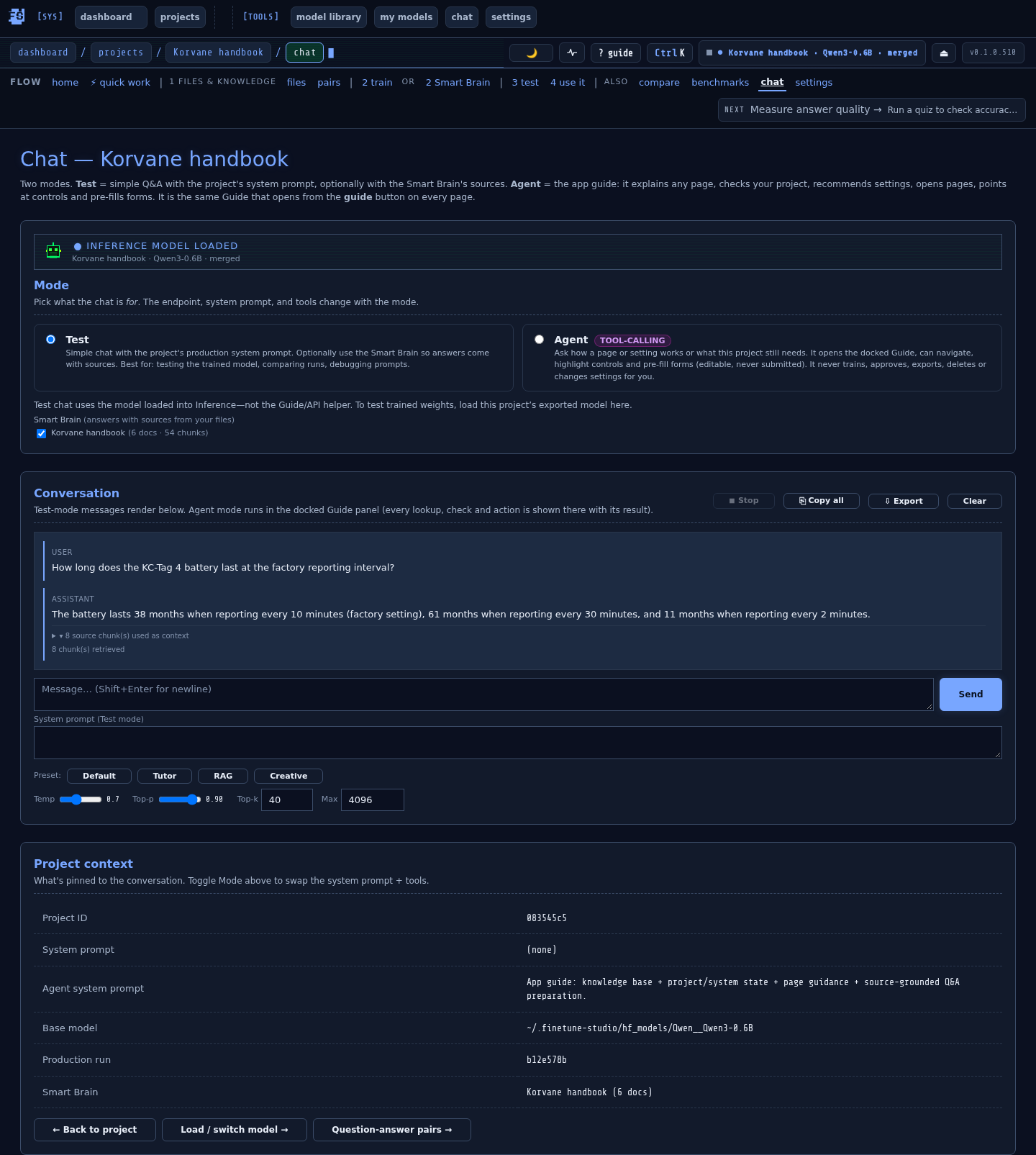
Pick a safetensors or GGUF model, load with auto-unload-on-idle
to free VRAM. Image input for multimodal. Per-session
temperature / top-p / system prompt. Conversation persists.
safetensorsGGUFVISION